

Why it Matters
Staff may already be using AI for writing, summaries or research. A short policy helps them make consistent choices, protects residents’ information and makes clear who is responsible for what gets published or acted on. It underpins every idea in this section.
Do staff know which AI tools they can use, what information they can share with them and who checks the results?
When it's working well
Staff know which AI tools and uses are approved, what information must never go into them, and who checks the results before anything is published or acted on.
A quick win
List the ways staff already use AI. Pick one, such as drafting a notice from published information, and write down which information staff can use, who checks the draft and who publishes it.
Foundations
FOUNDATION
AI use policy
Set clear rules for how staff use AI.
A short policy can list approved tools and uses, and name who checks results. Use examples staff will recognize, such as drafting a notice, summarizing a public report or sorting incoming requests.
Things to consider:
FOUNDATION
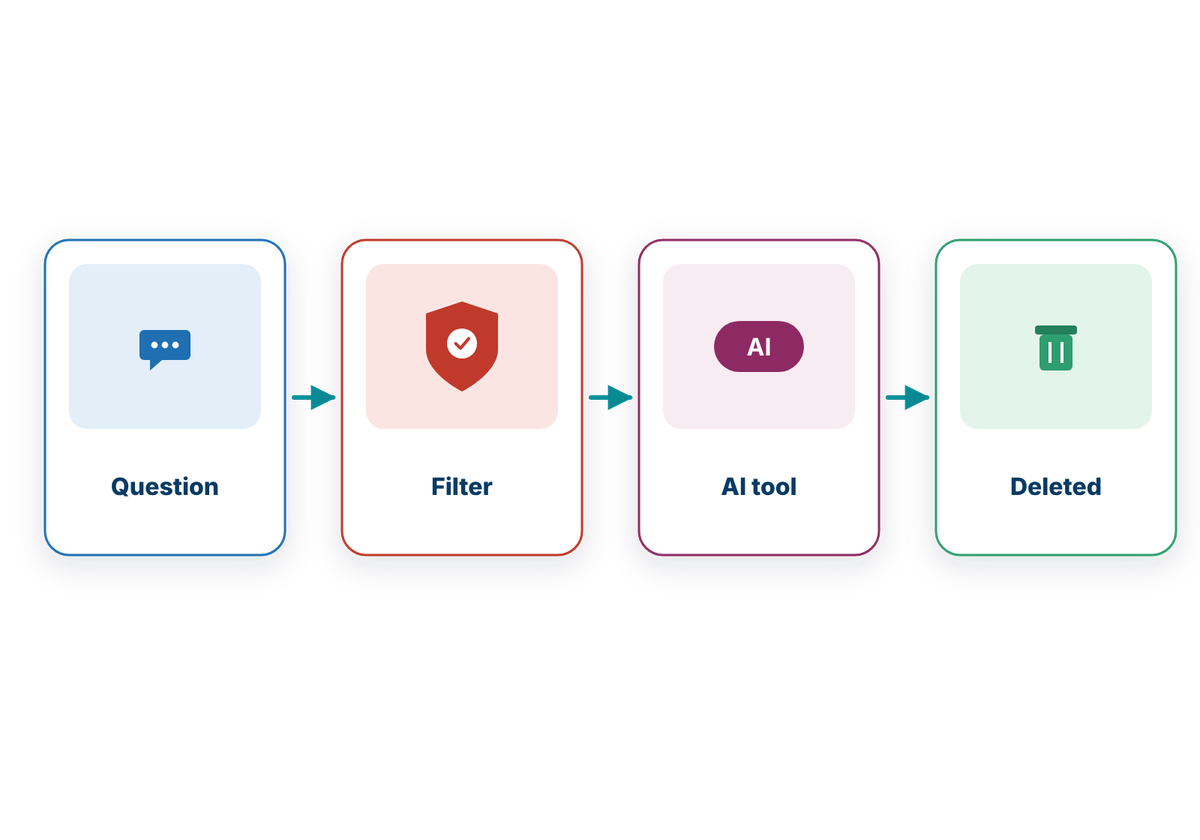
Data handling
Know what information an AI tool needs and what happens to it.
A public search assistant and a tool that helps process applications handle very different information. For each tool, set out what it can receive or keep, who can see it, and what staff do if information goes to the wrong place.
Things to consider:
FOUNDATION
Transparency & oversight
Make it clear where AI is used, keep people responsible for decisions, and choose suppliers carefully.
Tell people what a public assistant can help with and how to reach staff. Before launch, test it with common questions, unusual wording and incomplete information. When comparing suppliers, ask them to show how staff check sources, correct errors and export or delete municipal data.
Things to consider:
Also consider
- Security & Privacy: protect municipal systems, accounts, and the information people provide.
- Integrations & Portability: connect municipal systems while keeping information accessible and transferable.
- Content Ownership & Maintenance: keep website content current by making ownership, review, and maintenance part of the publishing process.
How well does your website work for residents?
Take the free check-up. In about 20 minutes you’ll walk through everyday situations, like reporting a pothole or finding a council agenda, and get a plain-language check-up report of what’s working and what to tackle first.