

Why it Matters
People describe what they need in their own words. They may be looking for a collection schedule, trying to work out which service applies or reporting a problem. More and more, they also ask an AI assistant instead of searching your site, so the answers they get are only as good as the pages behind them.
When residents ask AI tools (for example, ChatGPT or Claude) about your municipality, do the answers match your website?
When it's working well
AI tools give accurate answers about your municipality because your site is clear, current and easy to read. Key facts like dates, fees and contacts are written as text, not only in PDFs or images.
A quick win
Ask two or three AI tools your most common resident questions and record any incorrect answers. Update the pages they likely drew from, so dates, fees and contacts are current and written as text. Check again every few months.
Ideas that help
OPTIONAL AI TOOL
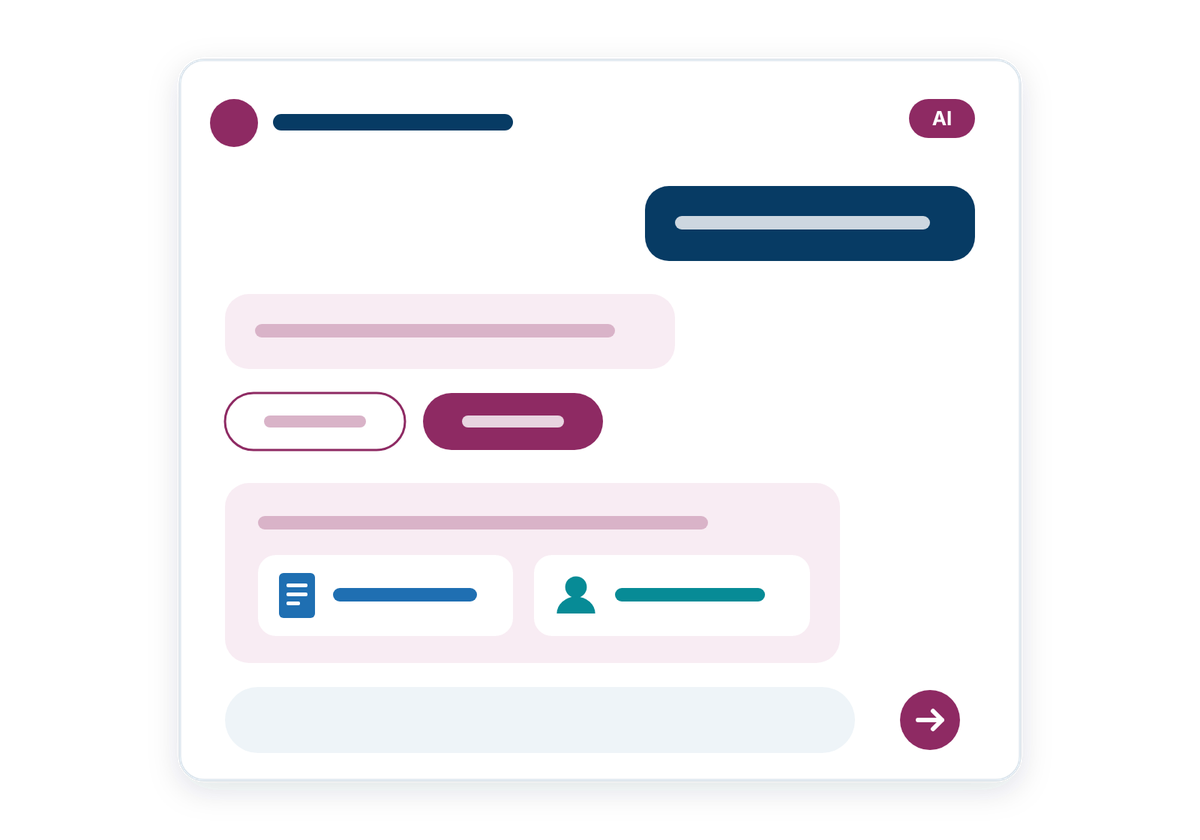
Virtual assistant
Help people work out which municipal service applies and where to begin.
A virtual assistant can ask a follow-up question when the next step depends on the situation. Someone asking about a business sign might be asked whether it is temporary or permanent, then pointed to the right instructions, form or planning contact.
A virtual assistant should:
OPTIONAL AI TOOL
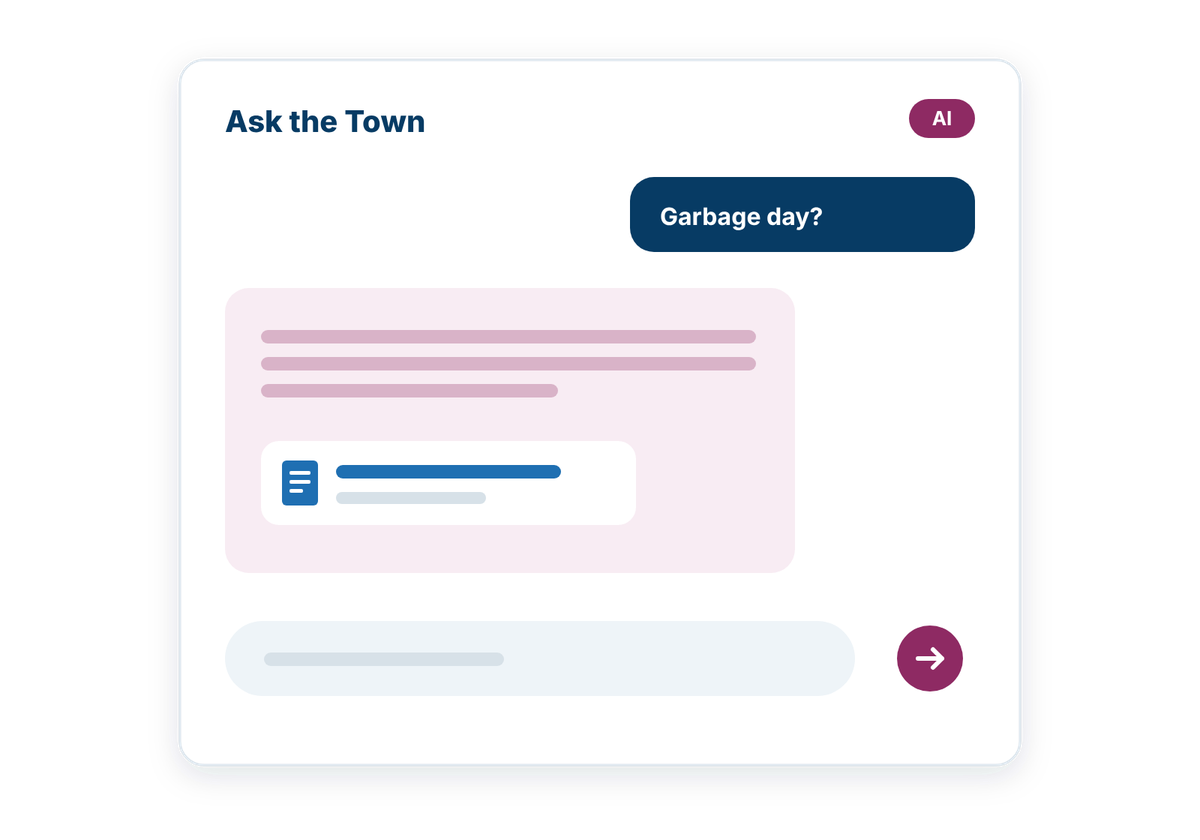
Answers from your own content
Help people get quick, accurate answers drawn only from your own website and documents.
Residents often ask the same questions in different words. Someone searching for “garbage day” may need the page called “Waste Collection Schedule.” Better search or an AI assistant can match those questions to the right page and give a short answer with a link to the source. It only works as well as the content underneath, so clear, current pages come first.
AI answers should:
OPTIONAL AI TOOL
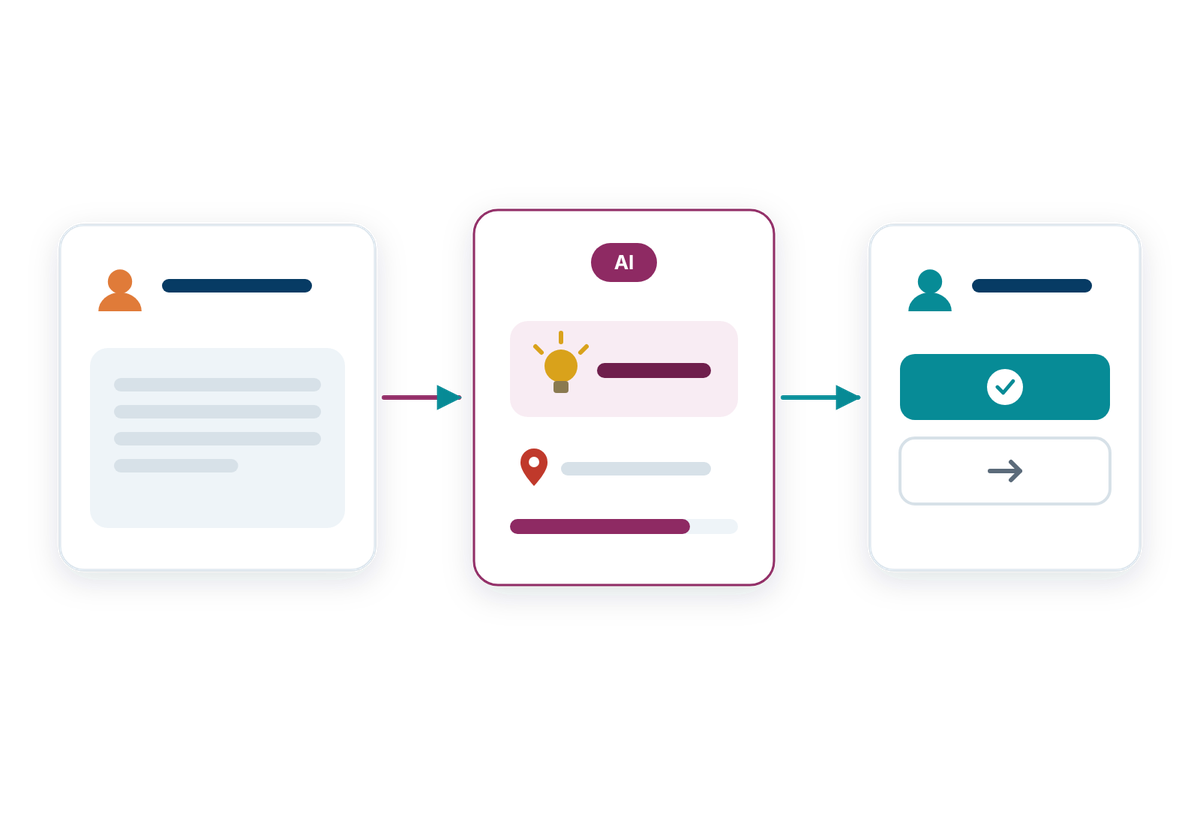
Request triage
Help get each resident report to the right team, even when the wrong category is picked.
Residents describe problems in their own words and don’t always pick the right category. Someone reporting a dark streetlight might choose “Roads” or “Other.” AI can suggest a category and team from the description or photo, so fewer requests sit in a general inbox. Staff stay in control and can correct any suggestion.
AI triage should:
Related ideas
- Navigation & User Pathways: help people find the right information by starting with what they want to do or who they are.
- Guided Request Intake & Routing: help people submit the right information and get their request to the right place.
- Request Tracking & Notifications: keep people informed after a service request has been submitted.
Also consider
- Content Ownership & Maintenance: keep website content current by making ownership, review, and maintenance part of the publishing process.
How well does your website work for residents?
Take the free check-up. In about 20 minutes you’ll walk through everyday situations, like reporting a pothole or finding a council agenda, and get a plain-language check-up report of what’s working and what to tackle first.