Digital Foundations
Build a digital environment that is secure, reliable, connected, & manageable.

Why it Matters
Technology changes, suppliers change, and problems eventually happen. Understanding where information is stored, who has access, how systems connect, and what happens when something goes wrong can help municipalities reduce risk and retain greater control over their digital services.
Is information entered once and reused wherever it is needed?
When it's working well
Information is entered once and shared with the systems that need it. Form submissions go directly to where staff work.
A quick win
Ask each department to name one piece of information they enter twice. Choose the most common one and check whether the two systems can already connect. Many can, without new software.
Foundations
FOUNDATION
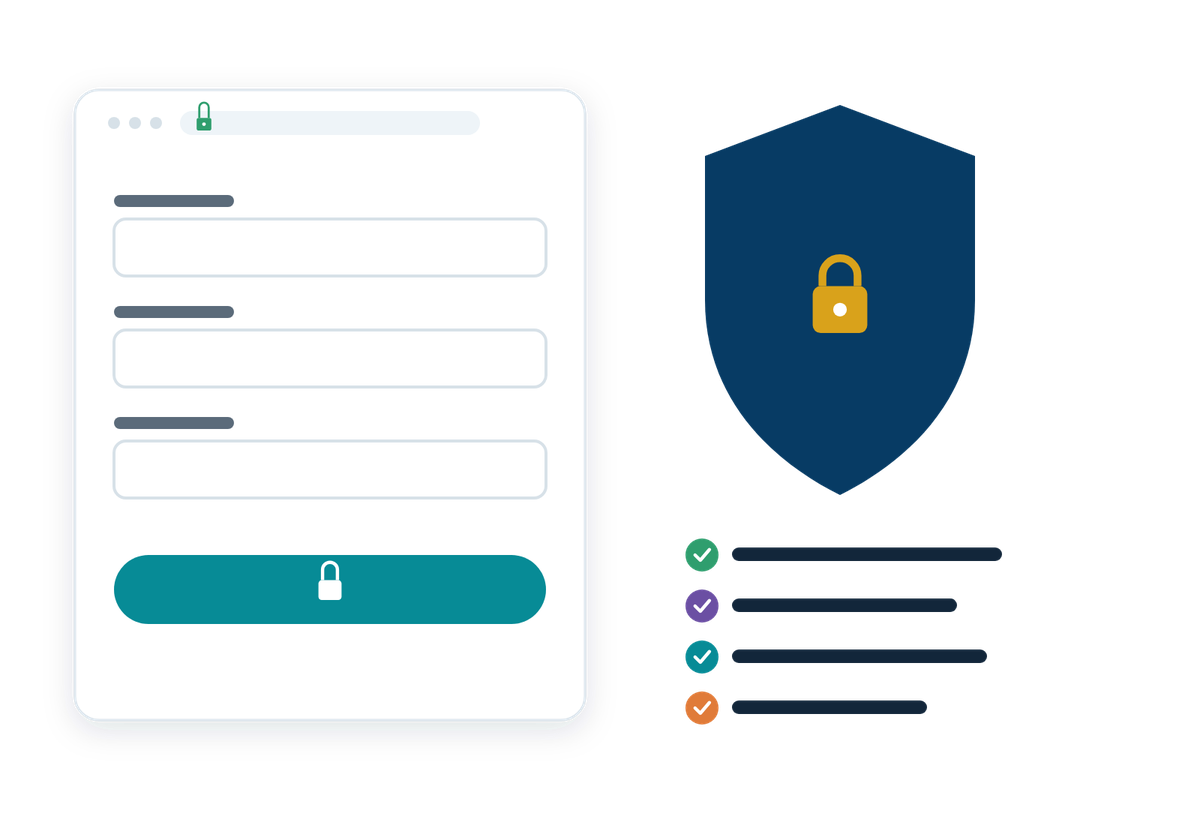
Security & Privacy
Protect municipal systems, accounts, and the information people provide.
Municipal websites may collect personal information through forms, applications, payments, registrations, and service requests. Clear access controls, secure handling practices, and an understanding of where information goes can help reduce risk without requiring staff to become cybersecurity experts.
Things to consider:
FOUNDATION
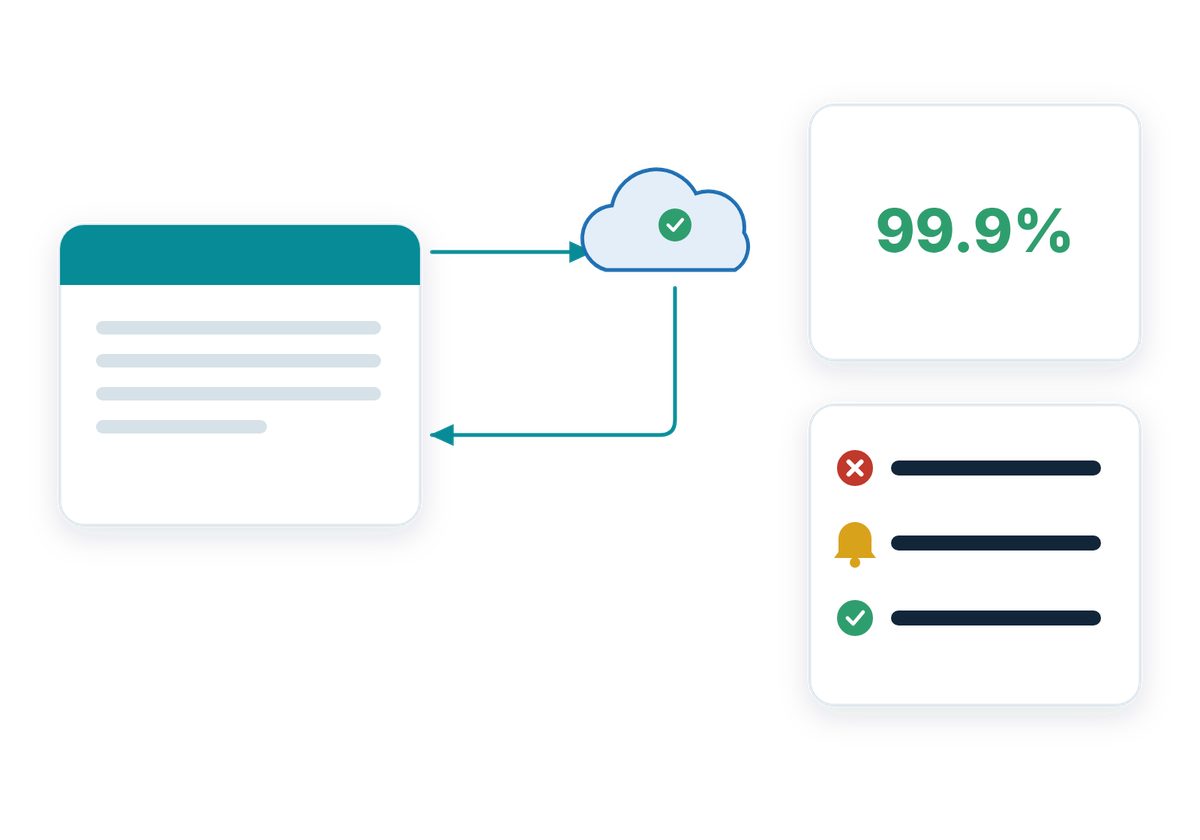
Reliability & Recovery
Keep digital services available and make sure they can be restored when something goes wrong.
Websites and connected systems can fail for many reasons, from software issues to supplier outages or accidental changes. Monitoring, backups, and clear recovery plans can help municipalities respond more quickly and reduce disruption.
Things to consider:
FOUNDATION
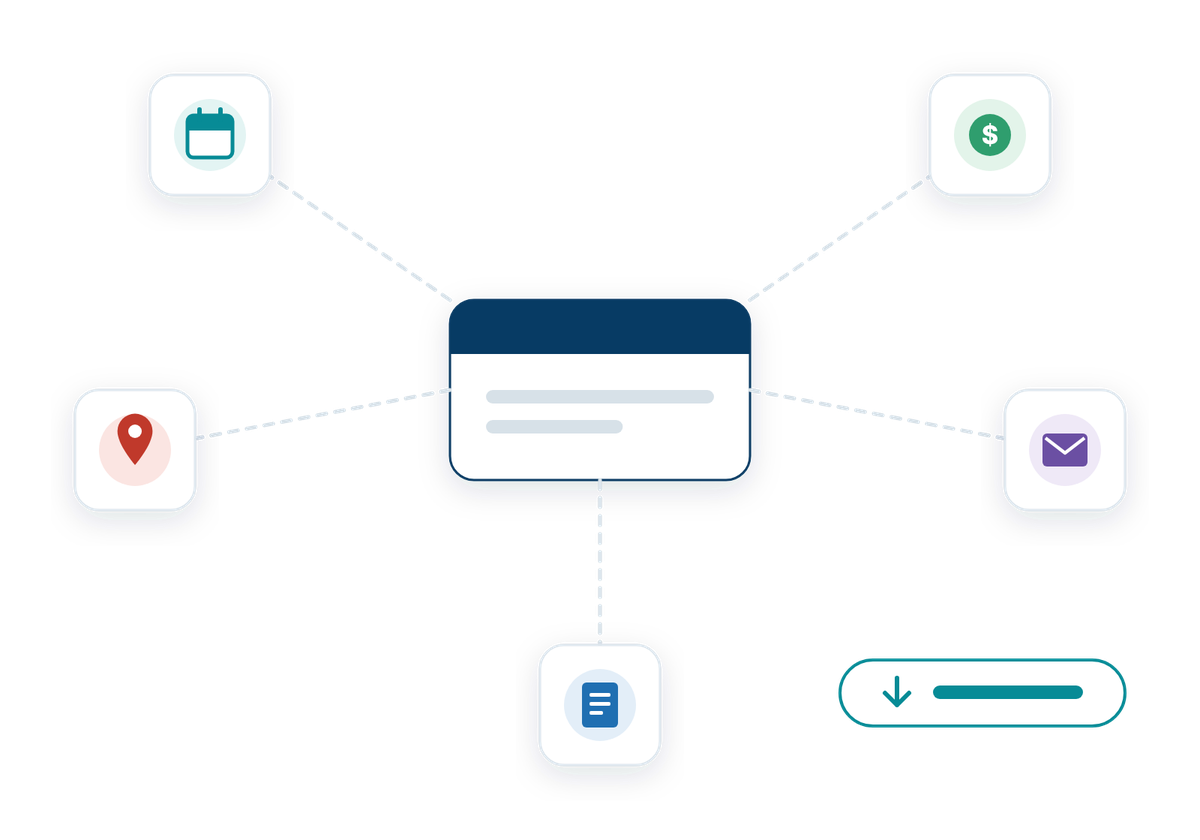
Integrations & Portability
Connect municipal systems while keeping information accessible and transferable.
Municipal websites often need to exchange information with payment tools, booking systems, maps, forms, and other platforms. Clear integrations can reduce duplicate work, while portable data helps ensure municipalities are not locked into a single supplier or system.
Things to consider:
FOUNDATION
Support & Lifecycle
Make sure the technology remains supported, understood, and manageable over time.
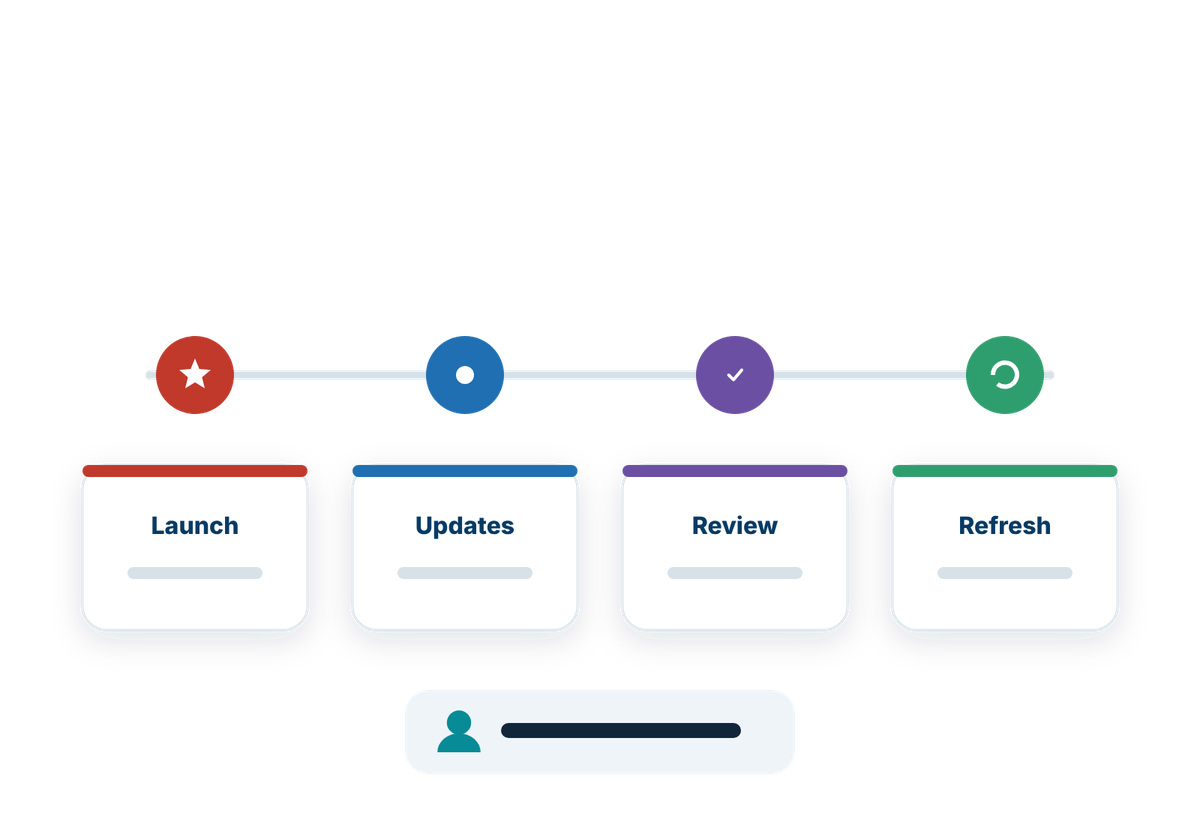
Digital platforms need ongoing attention as staff change, suppliers evolve, software is updated, and older technology reaches the end of its useful life. Clear support responsibilities and lifecycle planning can help municipalities avoid surprises and make future changes easier to manage.
Things to consider:
How well does your website work for residents?
Take the free check-up. In about 20 minutes you’ll walk through everyday situations, like reporting a pothole or finding a council agenda, and get a plain-language check-up report of what’s working and what to tackle first.