

Why it Matters
Comments, unanswered questions and follow-up calls show where people get stuck. Reading them all takes time staff rarely have. AI can sort them into themes, so staff can see the biggest problems and fix them first.
When it’s working well
Staff can see which questions keep coming up and improve the pages or processes behind them. Consultation summaries reflect the full range of views, not just the most common ones.
A quick win
Pick one service. Gather a small sample of recent questions or comments about it, find one problem that keeps coming up and fix the page or form involved. A month later, check whether people still ask about it.
Ideas that help
OPTIONAL AI TOOL
Comment analysis
Help staff see what people raise in consultations, surveys and comments.
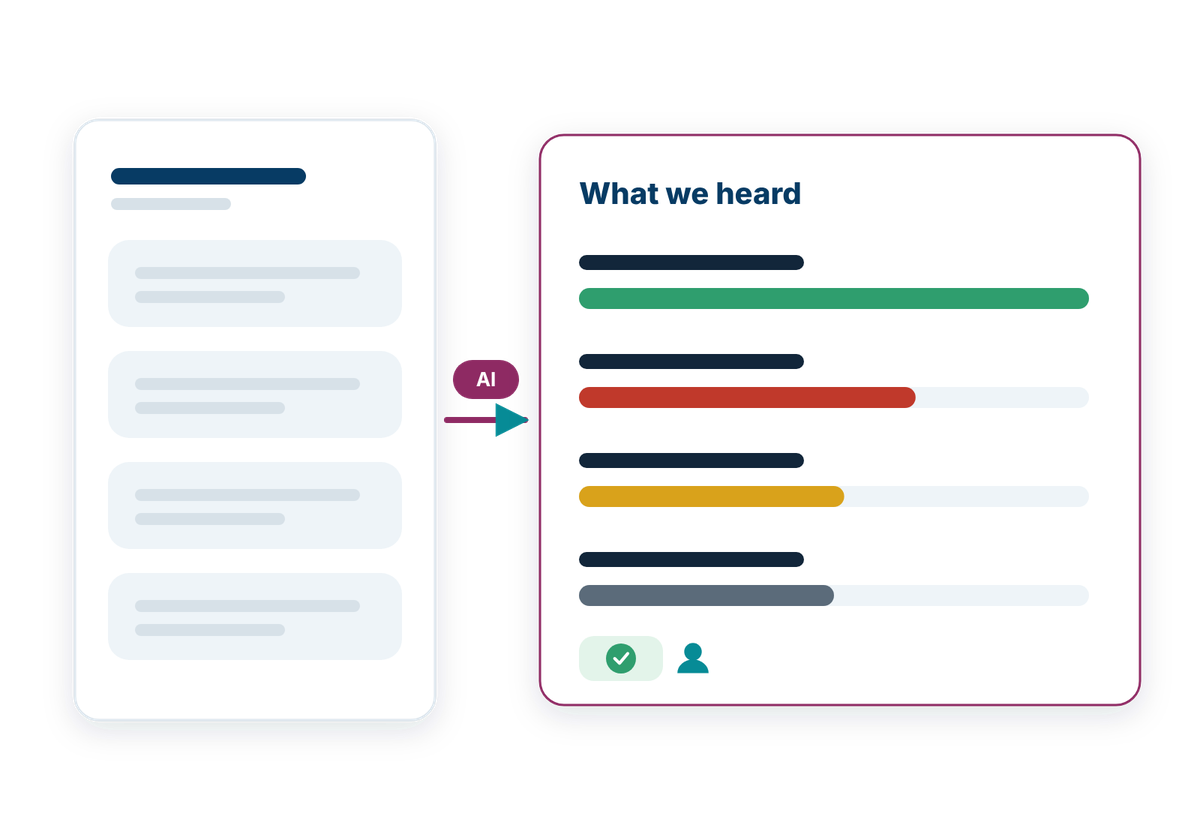
A consultation on a new park plan might bring in hundreds of comments. AI can group them by theme and suggest whether people mostly support it, have concerns or are mixed. Staff check the themes against the original comments and use them to report back on what they heard.
Comment analysis should:
OPTIONAL AI TOOL
Learning from usage
Use common questions and searches to decide what to fix first.
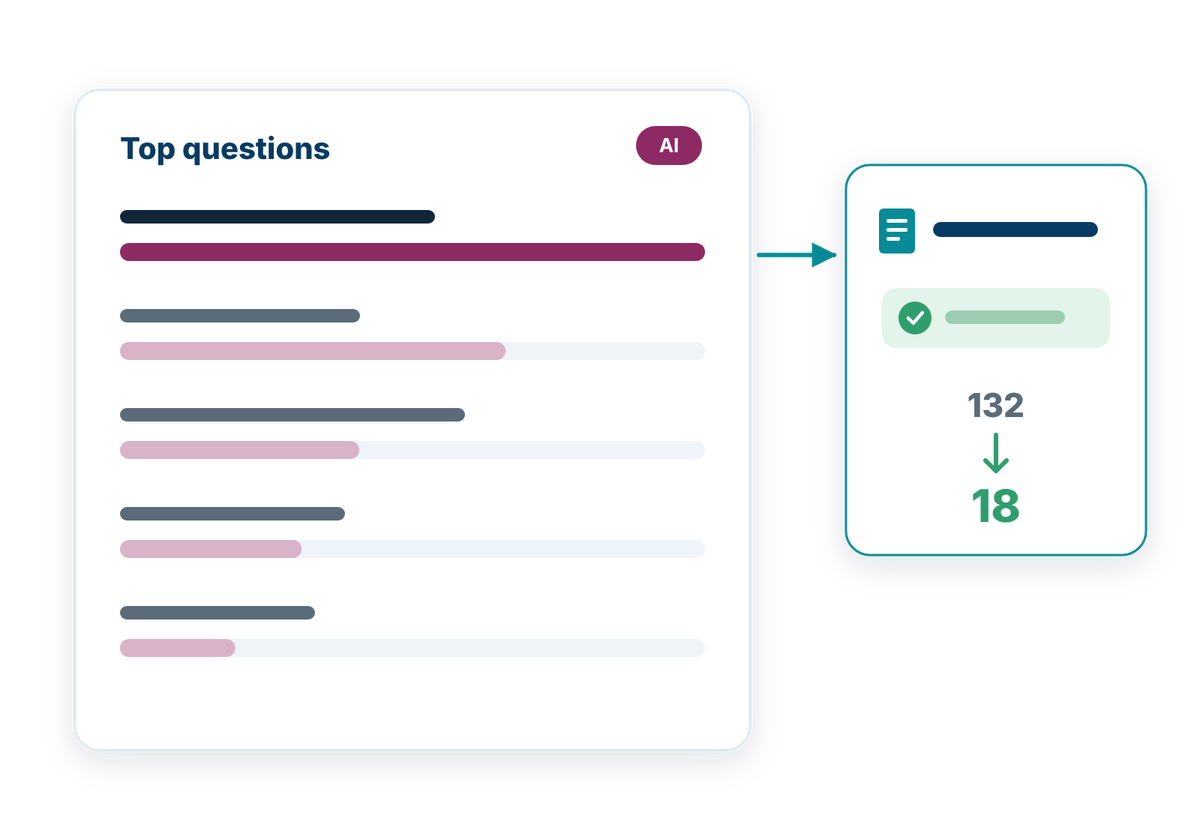
AI can group unanswered searches, repeat questions and call notes into themes. If people keep asking when the spring leaf-and-yard collection starts, the schedule may need clearer wording or a link from the page they already visit.
Usage insights should:
Related ideas
- Surveys & Feedback: give people clear, accessible ways to share input on municipal plans, projects, and decisions.
- Results & Next Steps: show people what was heard, what changed, and what happens next.
- Usability & Continuous Improvement: use real feedback and behaviour to identify friction and improve the experience over time.
Also consider
- Data handling: know what information an AI tool needs and what happens to it.
How well does your website work for residents?
Take the free check-up. In about 20 minutes you’ll walk through everyday situations, like reporting a pothole or finding a council agenda, and get a plain-language check-up report of what’s working and what to tackle first.