
Why it Matters
A resident may need a translated service notice, captions on a council recording or a step-by-step version of long instructions. Others want a quicker way to see updates for their own street or community. Start with the barrier people actually run into, not with the tool.
When it’s working well
People can easily find the languages and formats on offer. Captions and transcripts are accurate enough to use. Residents choose which updates they get and can change those choices at any time.
A quick win
Pick one page or recording people often need. Ask a few residents to use it in the format they prefer. Choose one improvement from what they found hard, and one you can keep up.
Ideas that help
OPTIONAL AI TOOL
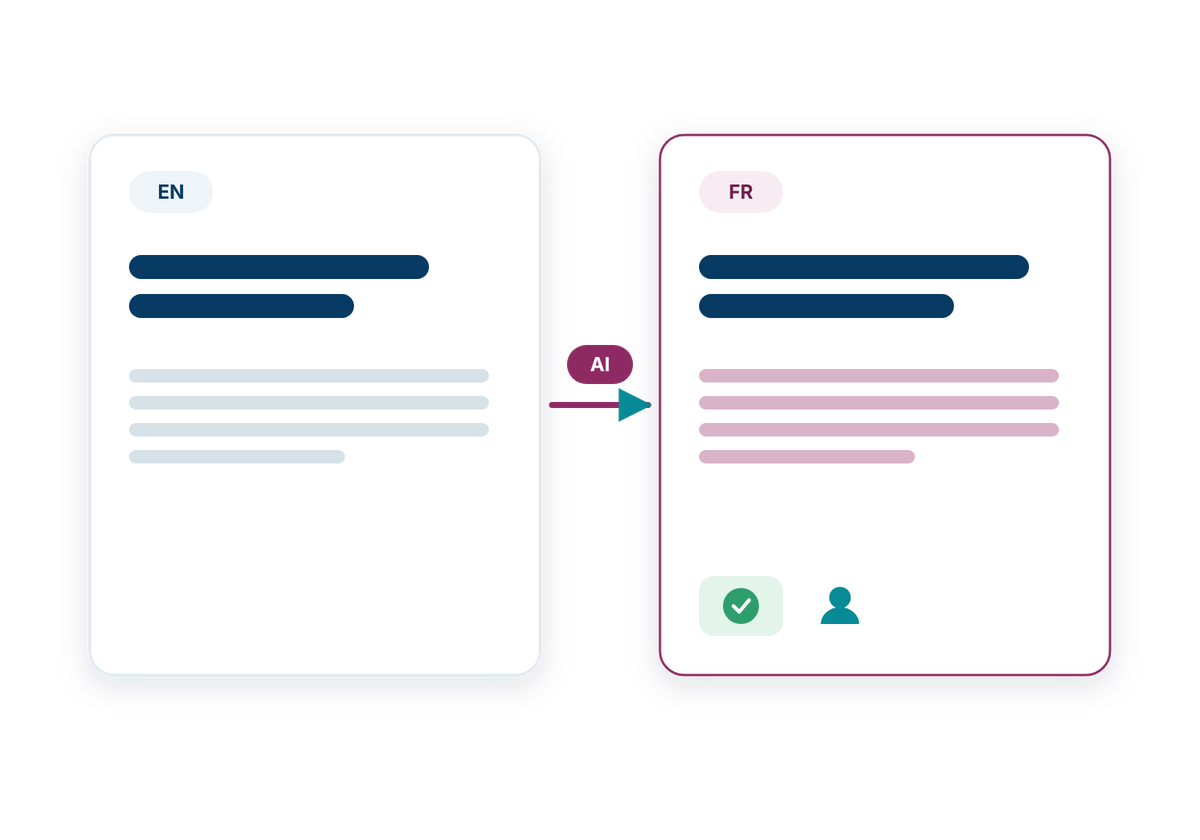
Translation help
Help people find and understand municipal information in more than one language.
Translation can be slow and costly. AI can draft translations of common pages, forms and notices for a person to review. An on-page translation option can also help someone get the gist of a page while they browse, as long as it’s clearly marked as automatic.
AI translation should:
OPTIONAL AI TOOL
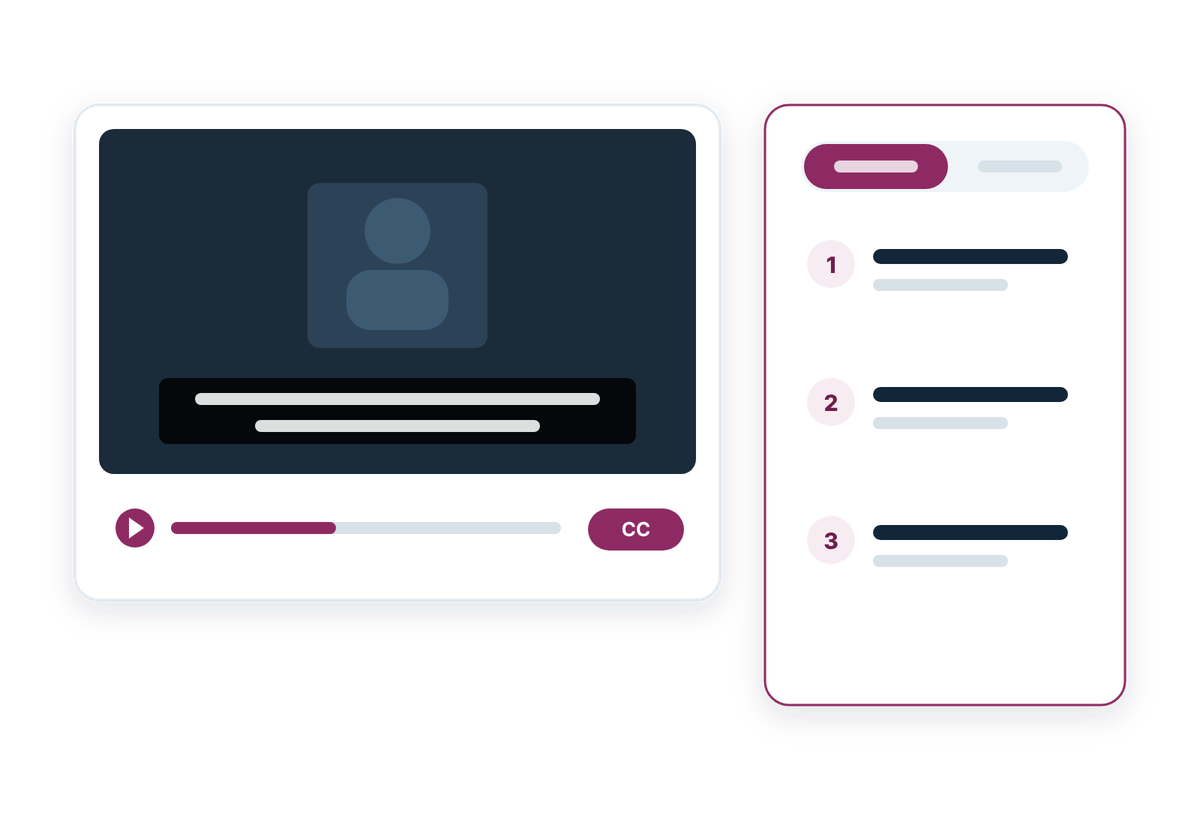
Captions & simpler views
Give people more ways to read, hear and use municipal information.
Speech-to-text tools can draft captions and a transcript for a council meeting video. AI can also draft a shorter, step-by-step view of dense instructions that people can switch on or off. Both need a person to check them before they go live.
Captions and simpler views should:
OPTIONAL AI TOOL
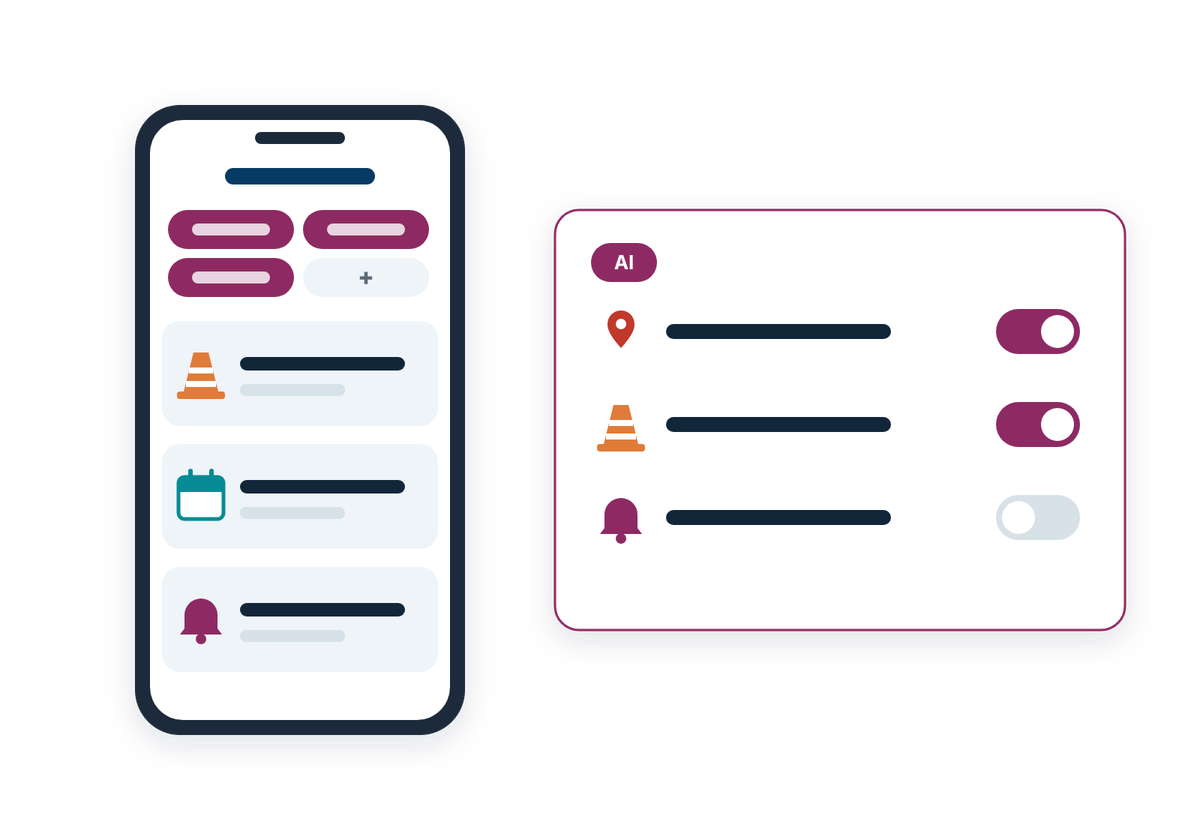
Personalized updates
Help people see the updates that match the places and interests they choose.
Someone might pick their neighbourhood to see road work nearby, or choose recreation interests to see new programs. AI can suggest related listings when a person describes what they’re looking for. Alerts follow the subscriber’s own choices and use the municipality’s published updates.
Personalized updates should:
Related ideas
- Email Newsletters & Subscriptions: keep residents informed about the topics they care about most.
Also consider
- Accessibility & Readability: make municipal content easier to perceive, understand, and use for people with different accessibility needs.
- Content Ownership & Maintenance: keep website content current by making ownership, review, and maintenance part of the publishing process.
How well does your website work for residents?
Take the free check-up. In about 20 minutes you’ll walk through everyday situations, like reporting a pothole or finding a council agenda, and get a plain-language check-up report of what’s working and what to tackle first.