

Why it Matters
Staff spend time drafting notices, explaining form fields and following up on missing information. AI can prepare a first draft, guide someone through an unfamiliar form or flag something that needs a closer look. A person still checks the result.
When it’s working well
People can read a short public update, find the official source and complete a form with fewer questions. Staff check summaries before they’re published and review anything AI has flagged.
A quick win
Choose a form or notice that often leads to phone calls. Rewrite the hardest instructions in plain language. For a form, add a short checklist beside the fields or uploads that most often need follow-up.
Ideas that help
OPTIONAL AI TOOL
Writing & summary help
Help staff write clearer notices and help people understand long agendas, minutes and reports.
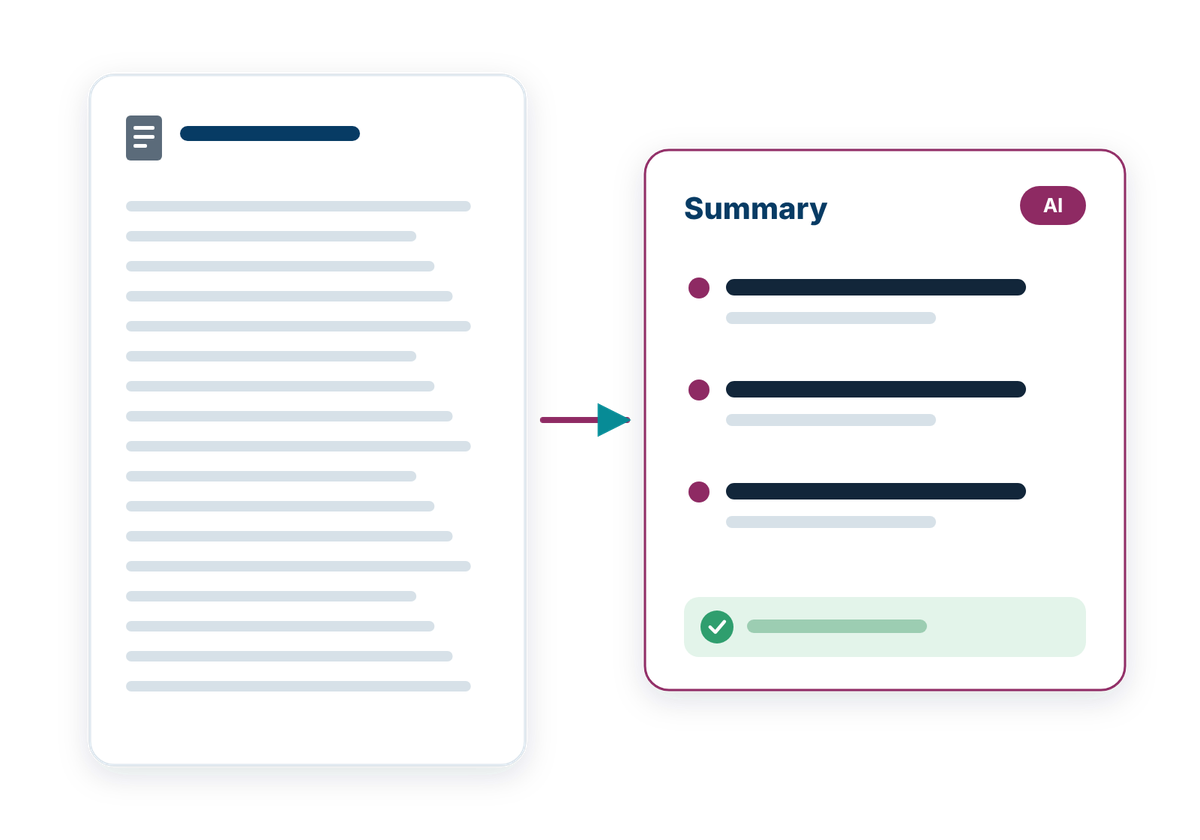
Council packages and reports can run to hundreds of pages. AI can draft a short plain-language summary of what was discussed or decided, which staff check before it’s published. While staff write, it can also suggest simpler wording and shorter sentences. The full official record stays available alongside any summary.
AI writing and summaries should:
OPTIONAL AI TOOL
Form help
Help people understand what a form field means and what belongs in it.
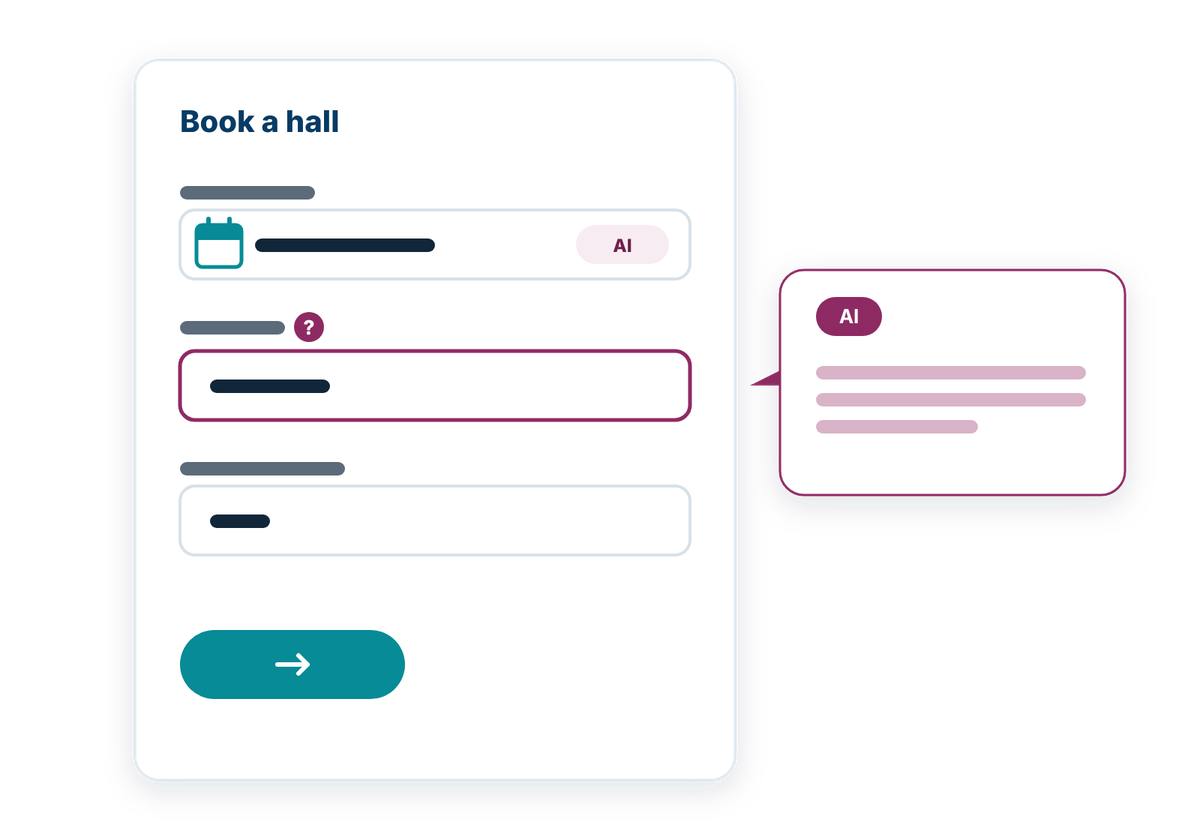
A form assistant can explain unfamiliar terms or carry over details the person has already entered. On a facility booking, it could explain what “setup time” means, or fill in the event date from an earlier answer for the person to confirm.
Form help should:
OPTIONAL AI TOOL
Application checks
Help people and staff spot missing information in applications and supporting documents.
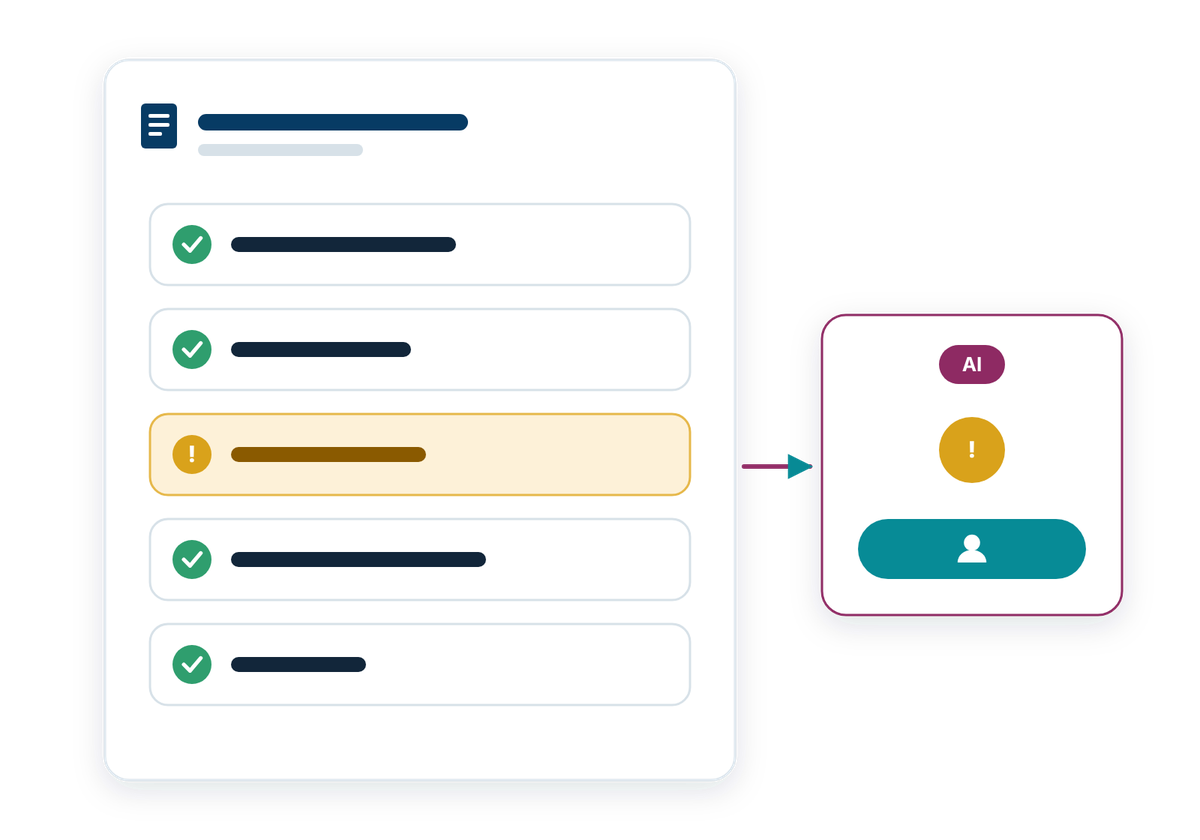
AI can read details from a document, such as a date or a property address, and compare a submission with the published checklist. For example, it can flag that a site plan appears to be missing, so the applicant or staff can check before the application is reviewed.
Application checks should:
Related ideas
- Smart Online Forms: help people complete municipal forms more easily with clear, responsive digital experiences.
- Organization & Connected Records: organize documents consistently behind the scenes so people can find, understand, and connect them easily.
Also consider
- Document Lifecycle & Governance: keep official documents current, traceable, and properly maintained over time.
- Data handling: know what information an AI tool needs and what happens to it.
How well does your website work for residents?
Take the free check-up. In about 20 minutes you’ll walk through everyday situations, like reporting a pothole or finding a council agenda, and get a plain-language check-up report of what’s working and what to tackle first.